Understand the input.
Discuss your imagery or survey data, required outputs, and the software or engine you need to work in.
 OCTO INNOVATIONSGEOSPATIAL MODELLING
DATA PROCESSING · MAPPING · MODELLING
2D & 3D maps. DSM & DTM. Models for Unity and Unreal Engine.
Experienced processing that takes survey data further.
Process. Digitise. Refine.
Built for your next workflow.
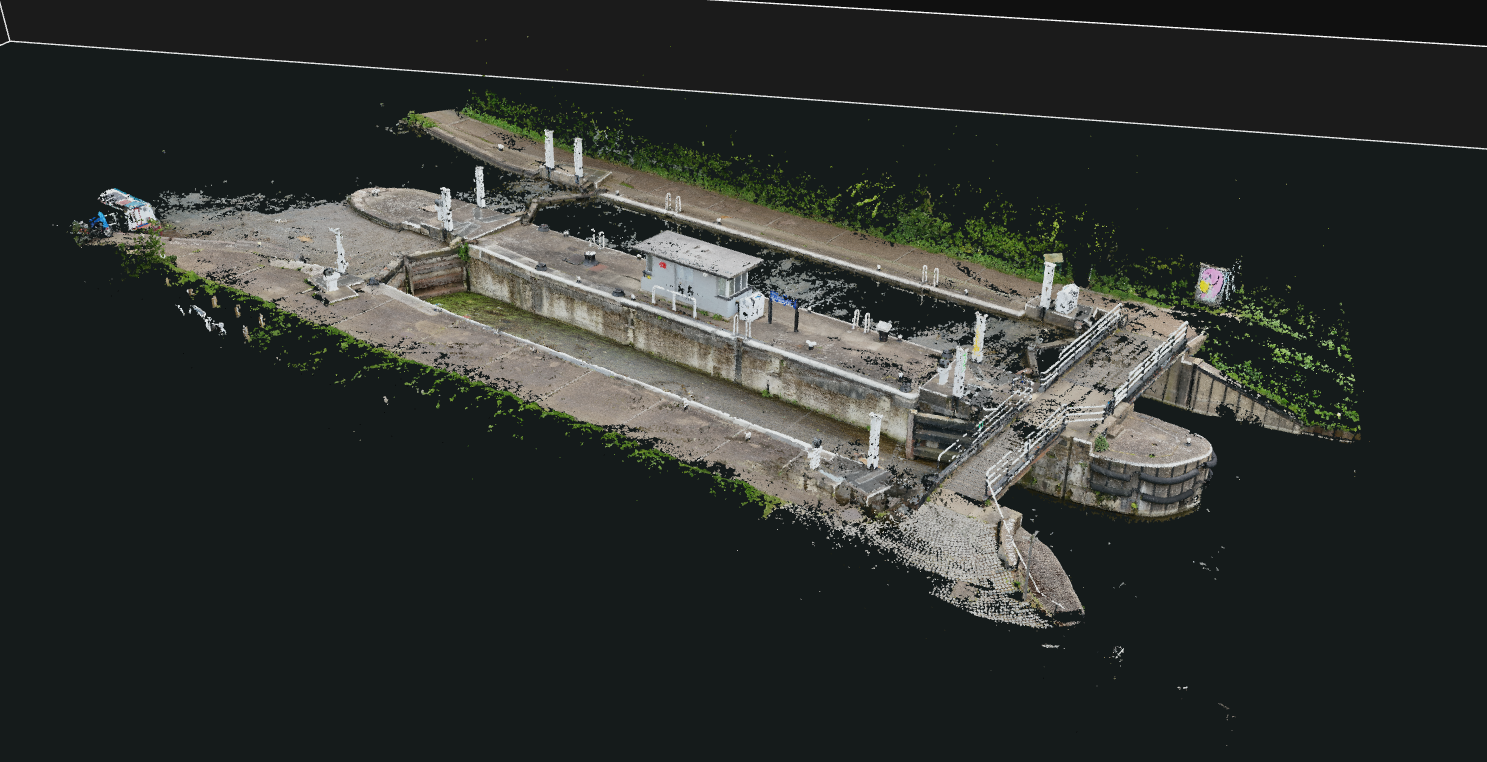 3D POINT CLOUD MODELLING
01 / OUR EXPERTISE
The flight is the starting point. The value comes from processing, modelling, digitising, and editing that data into something useful.
Process aerial imagery into 2D maps and orthomosaics, then refine the output for your project. The focus is on usable mapping rather than raw image delivery.
2D maps · Orthomosaics · Edited mapping outputs
Create digital surface models (DSM) and digital terrain models (DTM) from survey data. Use a surface model to represent visible features, or a terrain model to focus on the underlying ground.
Surface models · Bare-earth terrain · Elevation data
Turn survey imagery into 3D maps and models, then edit and refine the results for their intended use. Processing and model preparation are central to the work.
3D maps · Reconstructed models · Refined geometry
Digitise features from maps and imagery, edit mapping data, and prepare GIS and CAD outputs for the next stage of your workflow.
Digitised features · Edited maps · GIS/CAD conversion
Prepare and edit survey-derived terrain and 3D models for use in Unity and Unreal Engine. Shape the data around the requirements of your real-time environment.
Terrain preparation · Model editing · Engine requirements
FROM DRONE IMAGERY TO SPATIAL DATA
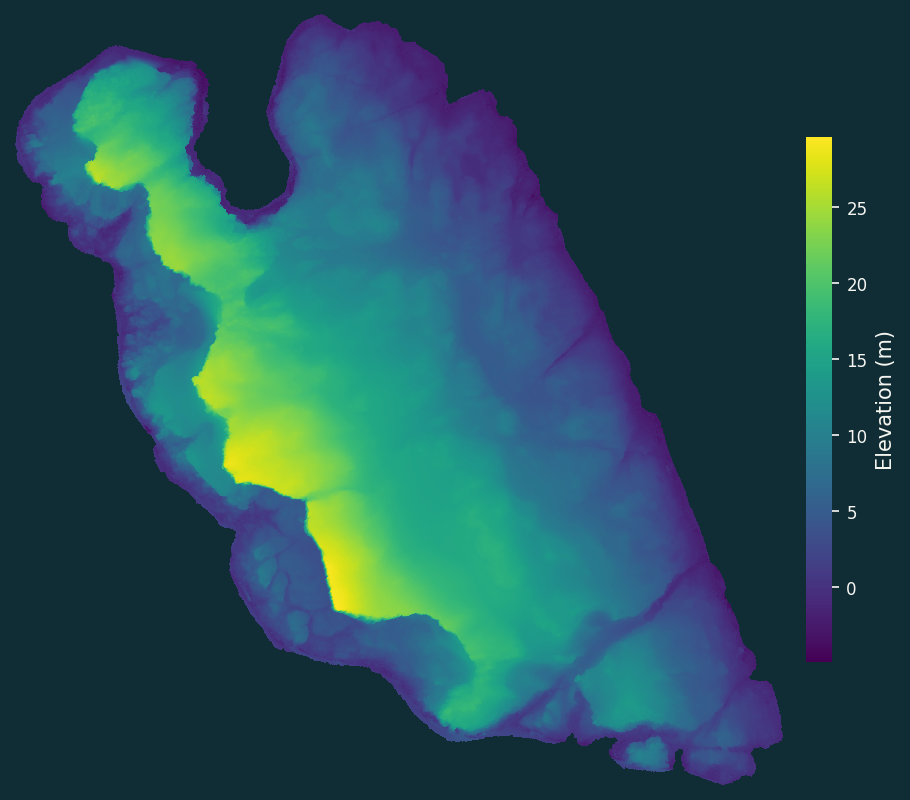
Go beyond the photograph. Rotate a real drone-derived surface or inspect our canal-lock reconstruction to see the structure behind the imagery.
Loading the model…
OPEN DATA / ILLUSTRATIVE EXAMPLE
Explore a surface reconstructed from drone imagery.
Download source dataView original dataset & credits ↗These credited open datasets illustrate the output types. They are third-party examples, not Octo Innovations client projects.
02 / SURVEY IMAGERY
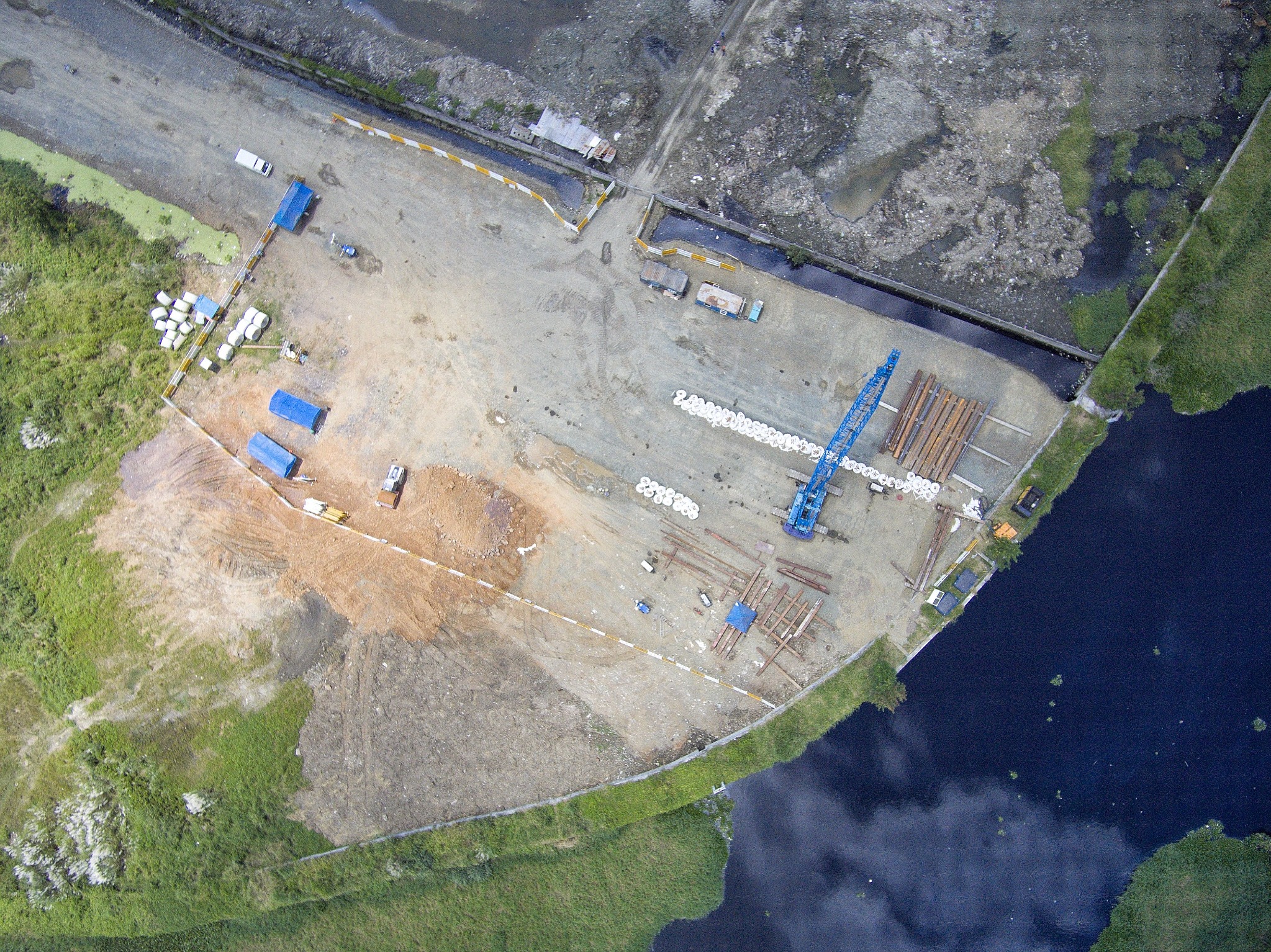
Buildings, landscapes, and terrain provide the source material. The maps, models, and edited data are where Octo Innovations adds value. Aerial imagery and point-cloud visualisation show different stages of the spatial-data workflow.
03 / ABOUT OCTO INNOVATIONS
My focus is what happens after the flight: turning survey data into maps, models, and usable environments.
I’m Yigit Tiras, Director of Octo Innovations. My experience centres on 2D and 3D mapping, DSM and DTM creation, map digitising, and editing geospatial data and models — including preparation for Unity and Unreal Engine.
Whether the output is a map, a terrain model, or an environment for a game engine, the work is shaped around how you need to use it.
04 / THE APPROACH
Discuss your imagery or survey data, required outputs, and the software or engine you need to work in.
Process the source into the 2D maps, 3D models, or DSM/DTM data your project requires.
Digitise, edit, and prepare the result for your mapping, design, or real-time workflow.
LET’S PUT YOUR DATA TO WORK
Tell me what source data you have, which outputs you need, and where you plan to use them.
Start a project enquiry ↗Email info@octoinnovations.com to discuss your project.Not sure which output fits?
Start with your goal. We’ll discuss the workflow.